Your data: download it or delete it
Your data belongs to you. This guide shows what the site keeps, how to choose who can find you, how to download a copy of your data, and how to delete your account.
Your works are yours too: you keep the rights to everything you post.
1. What the site keeps
Only what it needs to work: your email, to send sign-in links; your artist page and works, which you choose to make public; who you follow; and your chat messages. The site has no ads and never sells your data. It uses only the cookies it needs to keep you signed in.
The privacy page explains everything: what's kept, why, and for how long.
2. Choose who can find you
In My account → Edit profile, under Privacy:
- Show me in artist search
- Show my country on the world map
- Let Google and other search engines find my page
Turn off any of them and press Save changes. Your email is never shown to anyone.
3. Download your data
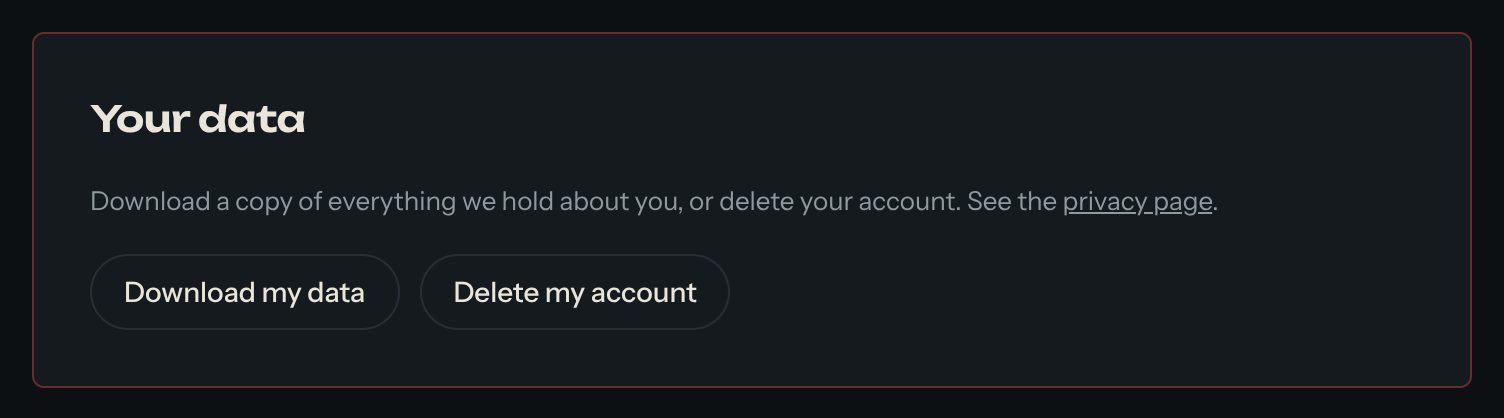
Open My account. Under Your data, press Download my data. You get a file with everything the site holds about you.
4. Delete your account
Under Your data, press Delete my account. To make sure it's you, type your email, then press Delete forever. Your account, artist page, works, passkeys and follows are removed. This can't be undone, so download your data first if you want a copy.
Questions? Read "What do you do with my data?" on the Help page, or write to us from the bottom of that page.