Your first steps on Creative Code Art
Creative Code Art is a free home for art made with code. Every work on the site runs live in your browser. It isn't a video, so you can move your mouse over it and play with its sliders. This guide shows your first steps: signing in, signing in faster next time, and finding your way around.
This is a work made with p5.js, running in your browser right now.
1. Sign in
- Press Sign in at the top of any page.
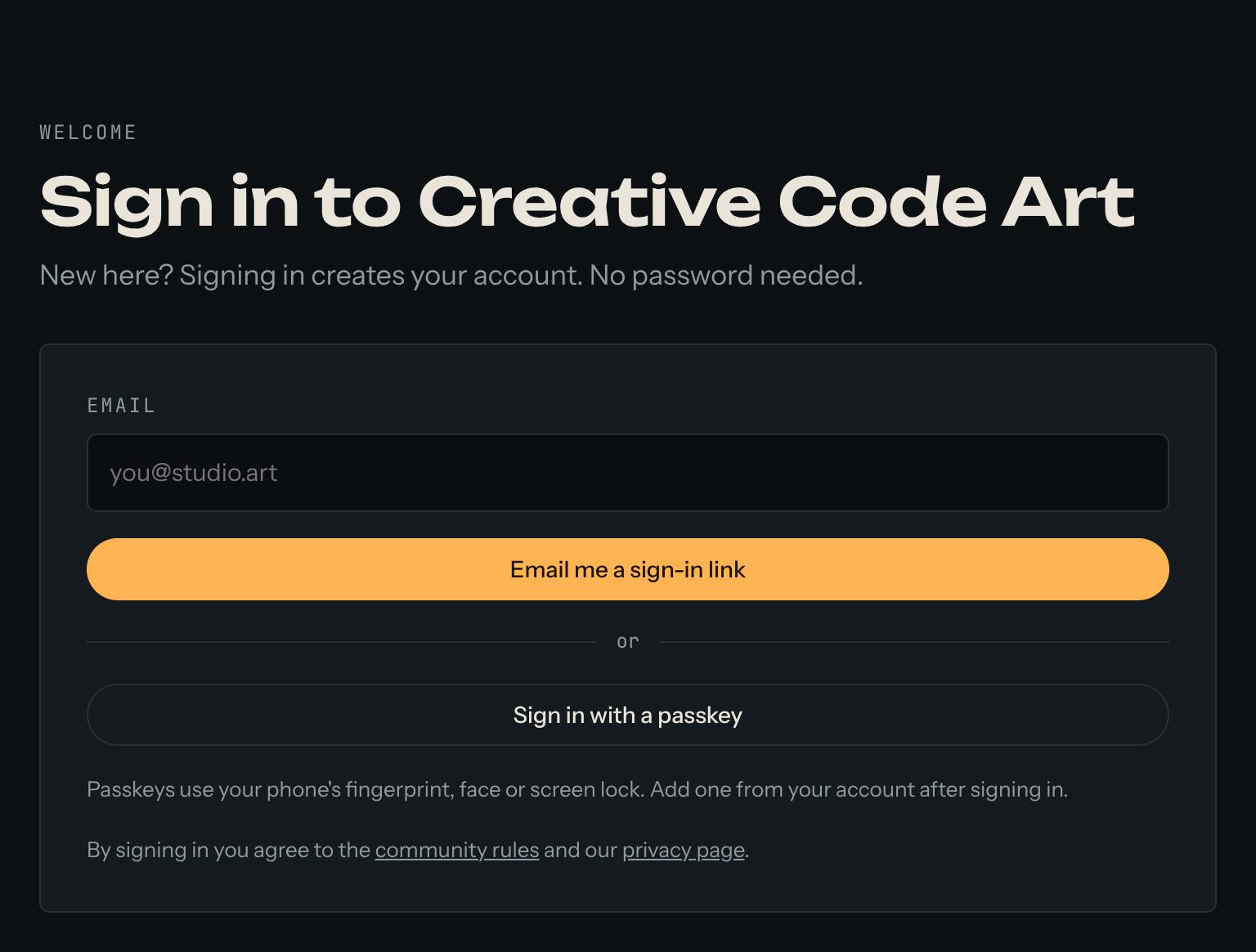
- Type your email and press Email me a sign-in link.
- Open the email and press the link. You're in.
The first time you sign in, your account is made for you. There's no password to remember. The link works once and stops working after 15 minutes. If the email doesn't come, look in your spam folder, or ask for a new link.
2. Sign in faster next time
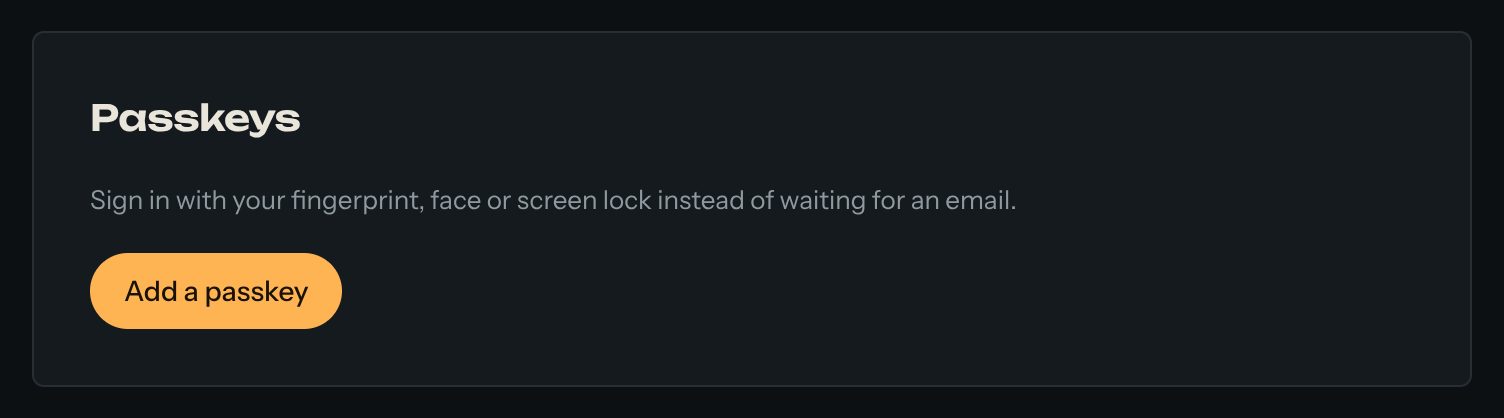
A passkey lets you sign in with your fingerprint, your face or your phone's screen lock, so you don't have to wait for an email.
- Open My account.
- Under Passkeys, press Add a passkey and follow what your phone or computer asks.
Next time, press Sign in with a passkey on the sign-in page. It's a good idea to add a second passkey on another device, so you can still sign in if you lose your phone.
3. Look around
- Tour: five minutes that show what the site can do. You can change real code there without an account.
- Works: every published work. Open one to play with it.
- Artists: find artists by name, tool or style.
- Journal: guides like this one, and notes by artists.
- Chat: talk with other artists.
4. Want to make art too?
Make your artist page next. It takes about two minutes, and your works will live on it. The guide "Make your artist page" shows how.
Good to know
- Everything here is free for artists, at every stage — and there are no ads. A few extras, like event tickets and code packs, cost money if you want them.
- Works run in a locked box with no internet access, so they can't reach your account or your files.
- Questions? The Help page answers the common ones.