Make sliders people love to use
Sliders let visitors play with your work: they change a number while the work runs, and the picture changes at once. Good sliders make people stay longer. This guide shows how to make sliders that are fun to use.
Move the sliders under Slider Meadow and watch how much each one changes.
1. Add a slider
- Open your work in My account → My works.
- In your code, read a number as
params.and a name, for exampleparams.speed. In a shader, declare the uniformu_speed. Two tools are different. In a TouchDesigner shader the names are camelCase, souSpeedbecomes the Speed slider. A Max (RNBO) patch has no code at all: its first 12 parameters become sliders on their own. - The editor sees the new name and shows a button to add the slider. You can also press Add a slider in the Sliders box.
Each work can have up to 12 sliders.
2. Fill in each slider
- name: the name your code reads, like
speed. - label: what visitors see, like
Speed. Short words work best. - min and max: the lowest and highest values.
- step: how much the value changes in one move. Use
1for counts, like the number of circles, and something small like0.01for smooth changes. - start: the value the work opens with. Choose the one that looks best.
3. Make them fun to use
- Every value should look good. Try the lowest and the highest value yourself. If the work looks broken at one end, make the range smaller.
- Each slider should do one clear thing. "Speed", "Colour" and "Size" are easy to understand. A slider that changes nothing visible is confusing.
- Three to five sliders is plenty. Too many make people unsure where to start.
- Visible changes are better than tiny ones. If moving a slider from one end to the other barely changes the picture, make the range bigger.
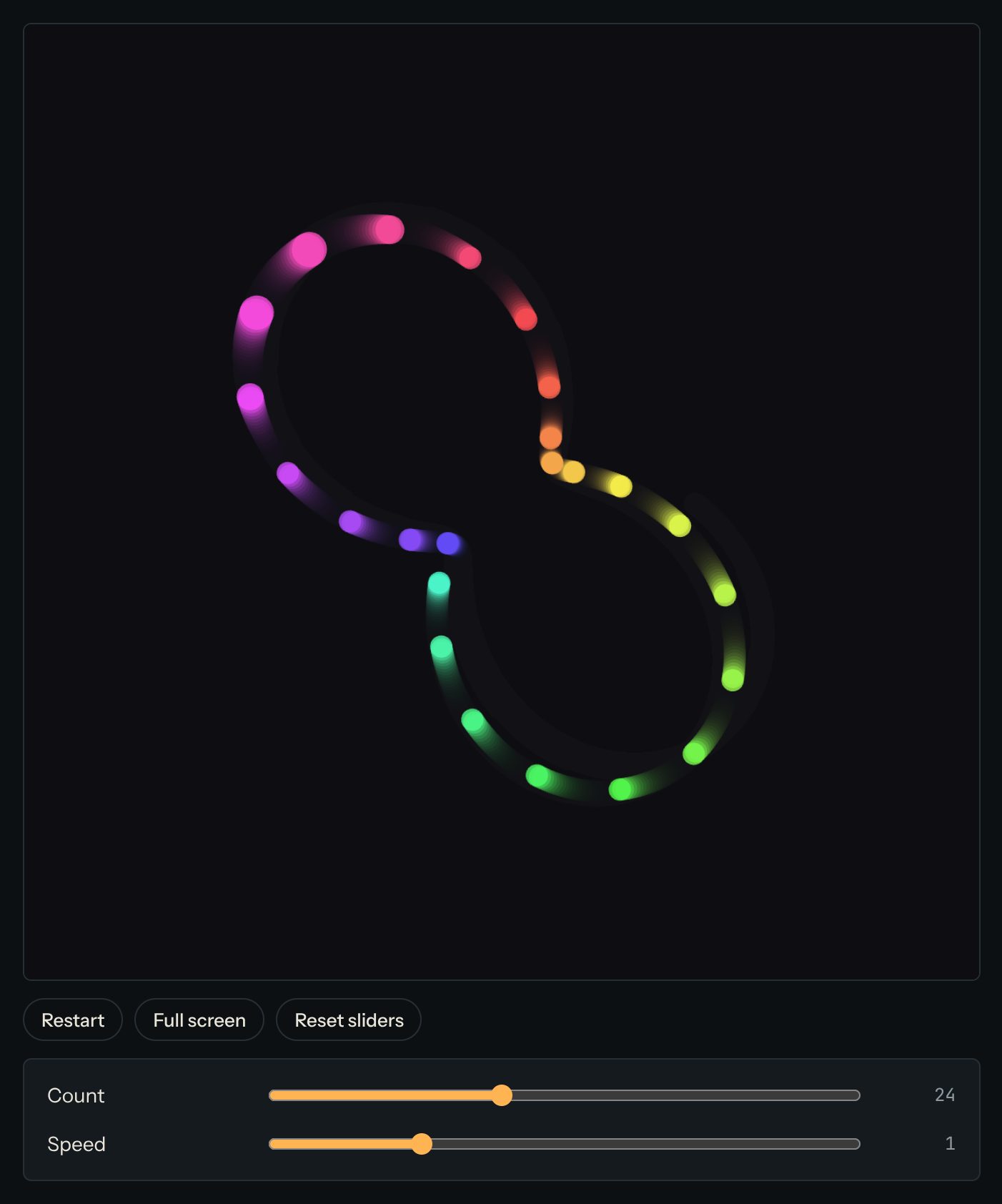
4. What visitors see
On your work's page, the sliders sit under the work. Visitors move them and the work changes at once. Reset sliders puts them all back to their start values. Their changes aren't saved: the next visitor sees your start values.
Questions? Read "What are sliders?" on the Help page, or ask in the Chat.