Why other people's code is safe to run
On Creative Code Art you run other people's code every time you open a work. That's safe, because every work runs in a locked box. This guide explains how the box works, and what the MetaMask message some people see means.
This work runs inside its own locked box, like every work on the site.
1. The locked box
Each work runs in a sandbox: a locked box inside the page. Inside it, code can draw and make sound, but it can't:
- reach the internet,
- see your cookies, your account or your passwords,
- change the page around it.
That's also why works can't load pictures, fonts or sounds from other websites: everything must be drawn by the code itself.
2. The MetaMask message
The site never connects to MetaMask or any other crypto wallet, and has no code for them. A work can never ask you to pay or to connect a wallet — if one does, close it and report it.
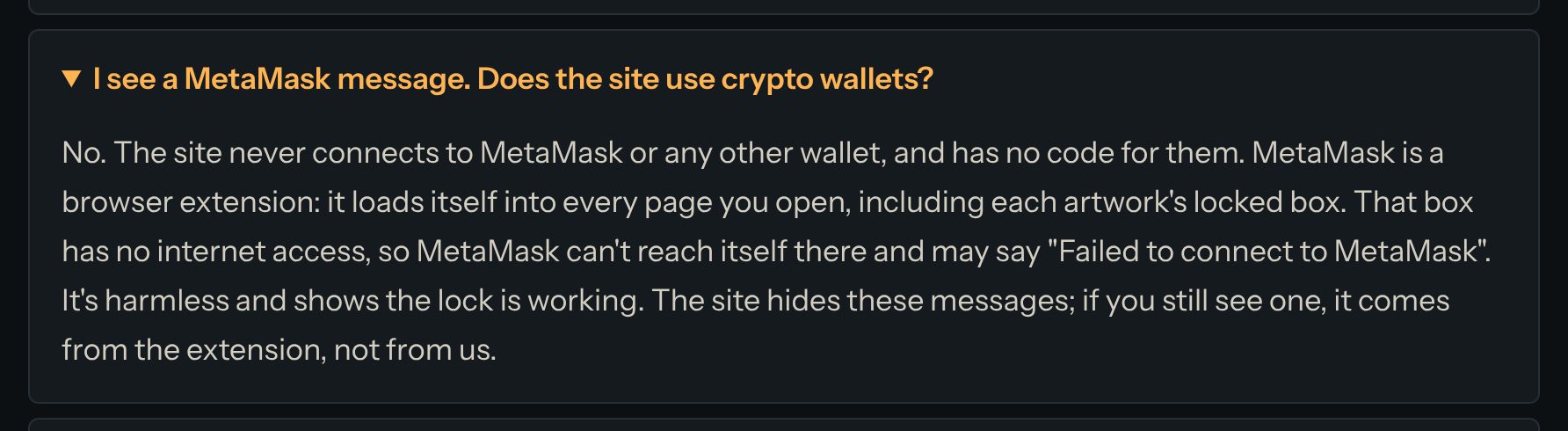
MetaMask is a browser extension. It loads itself into every page you open, including each work's locked box. The box has no internet, so MetaMask can't reach itself there and may say "Failed to connect to MetaMask". It's harmless: it shows the lock is working. The site hides these messages; if you still see one, it comes from the extension, not from us.
3. Keep your account safe
- Add a passkey, and a second one on another device. See the guide "Your first steps on Creative Code Art".
- Sign-in links work once and stop after 15 minutes. Never share them.
- The team will never ask for your sign-in link or your passkey.
4. Something looks wrong?
If a work or a page seems to do something harmful, press Report this work or Report this page and choose a reason. A moderator will look at it.
Questions? Read "Is it safe to run other people's code?" on the Help page.