Invite artists you know, and get the weekly email
Artists bring artists. Every artist on Creative Code Art has a personal invite link: share it with people you know, and when someone joins through it and makes their artist page, you get a notification. And if you'd like to hear what's new each week, you can turn on the weekly email.
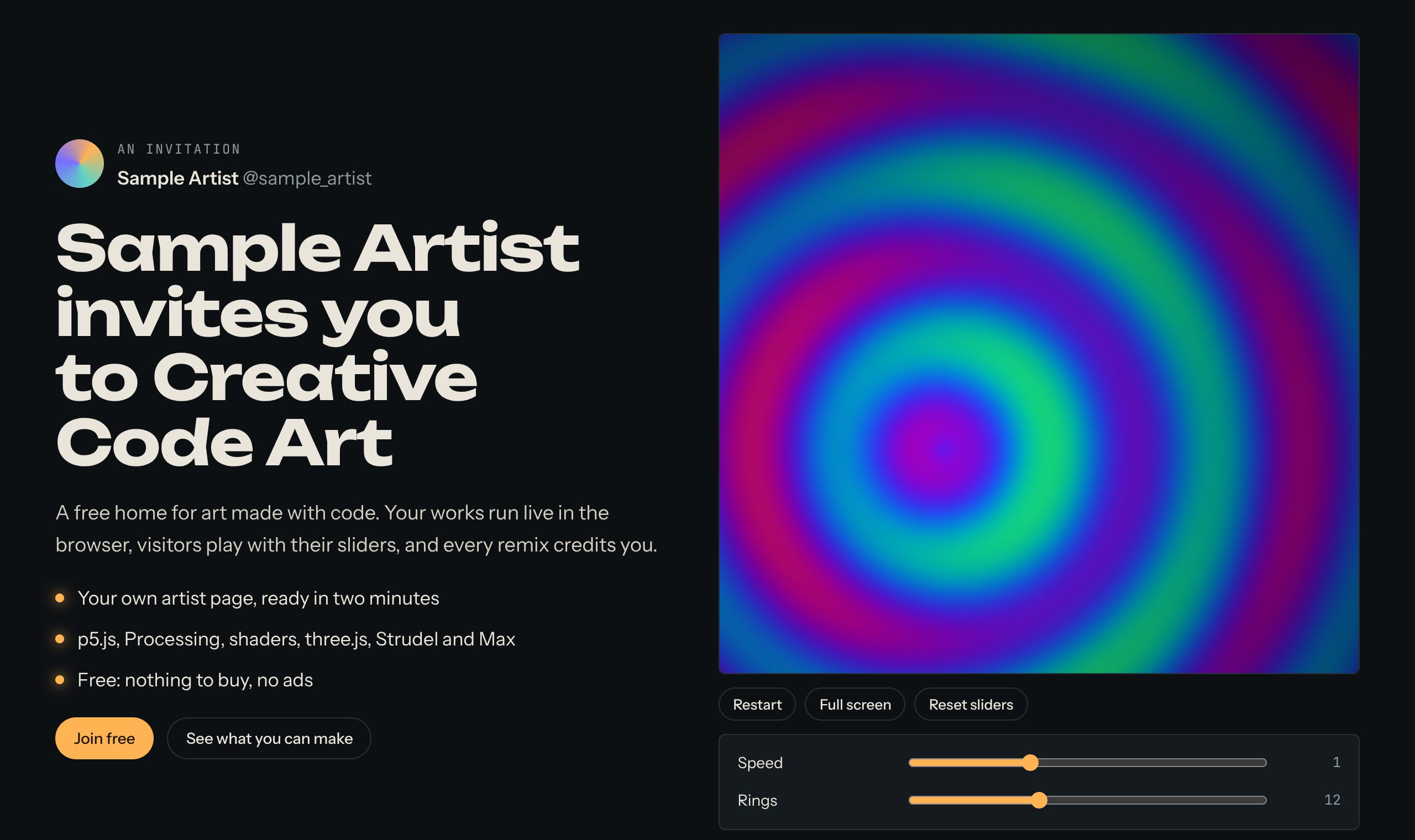
An invite opens on your own cover work, running live.
1. Find your invite link
Open My account. Under Invite artists is Your invite link. Press Copy and send it to an artist you know, in a message or an email.
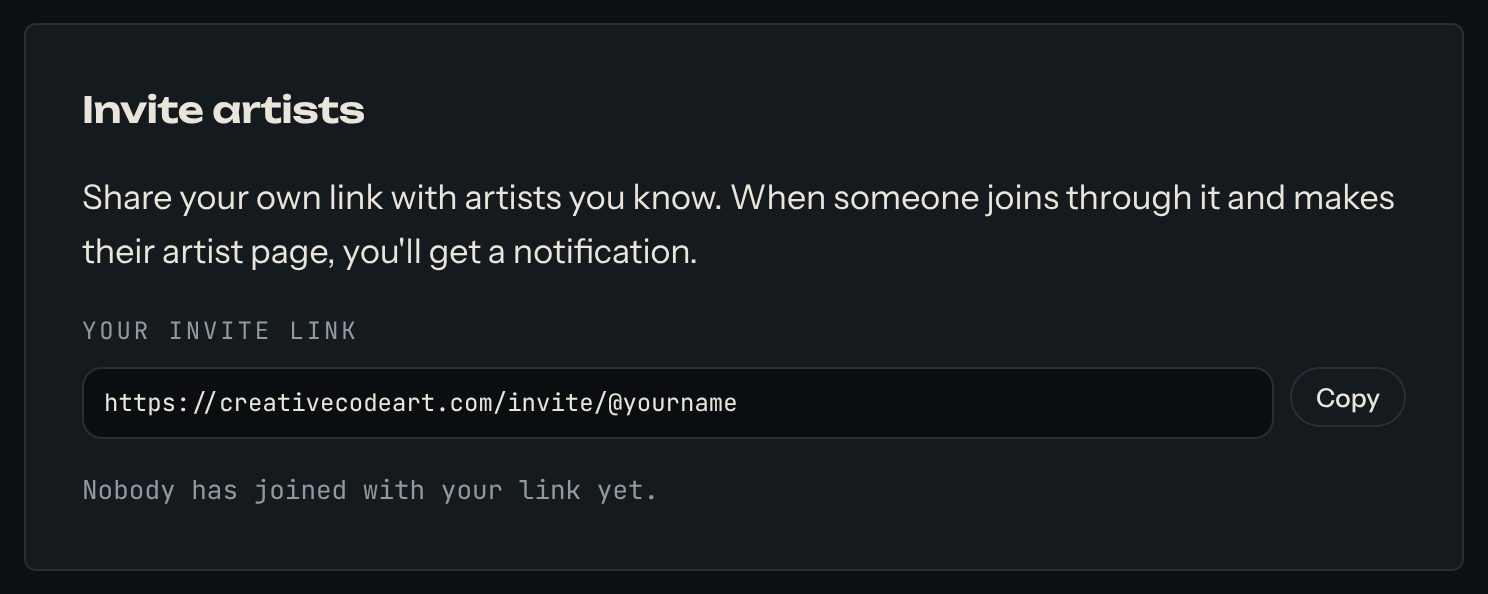
The same box shows how many artists have joined with your link.
2. What the person sees
Your link opens a welcome page with your name, your cover work running live, and your latest works. They press Join free, sign in, and make their artist page. You get a notification when they do.
A personal message works best: name one of their works, and say why you think they'd like it here.
3. The weekly email
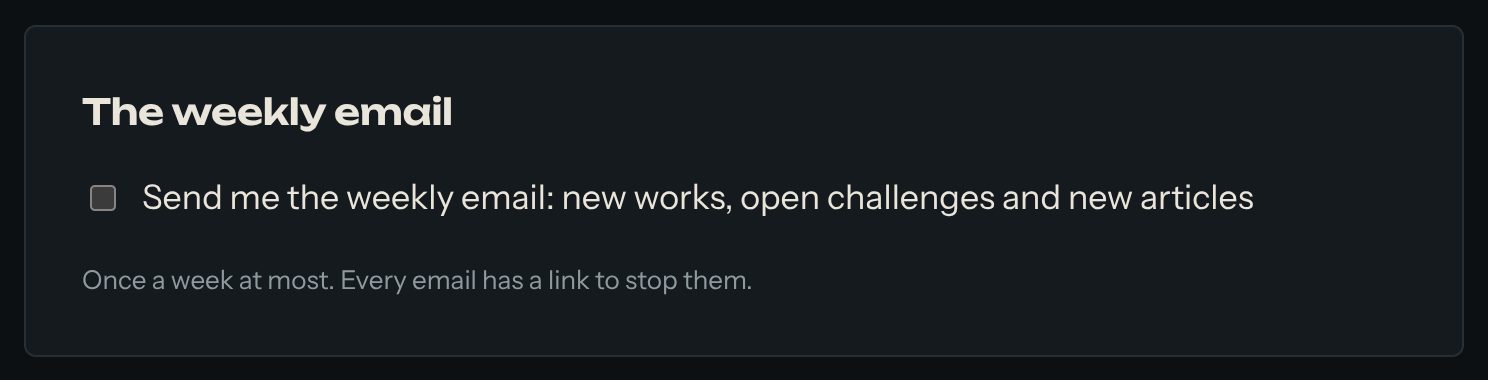
In My account, under The weekly email, tick the box to get new works, open challenges and new articles once a week. Untick it any time; every email also has a link to stop them.
Good to know
- The invite is remembered for 30 days in your friend's browser, and it travels with the sign-in email too.
- The privacy page lists the small cookie this uses.