Find art and artists you'll like
There's a lot to see on Creative Code Art. This guide shows how to find works and artists you like, and how to hear when they publish something new.
Every work runs live. Move its sliders to change it.
1. Works
Open Works to see every published work. Open one to see it big, play with its sliders, and read what the artist wrote about it. Most works also show their code: press View the code.
2. Artists
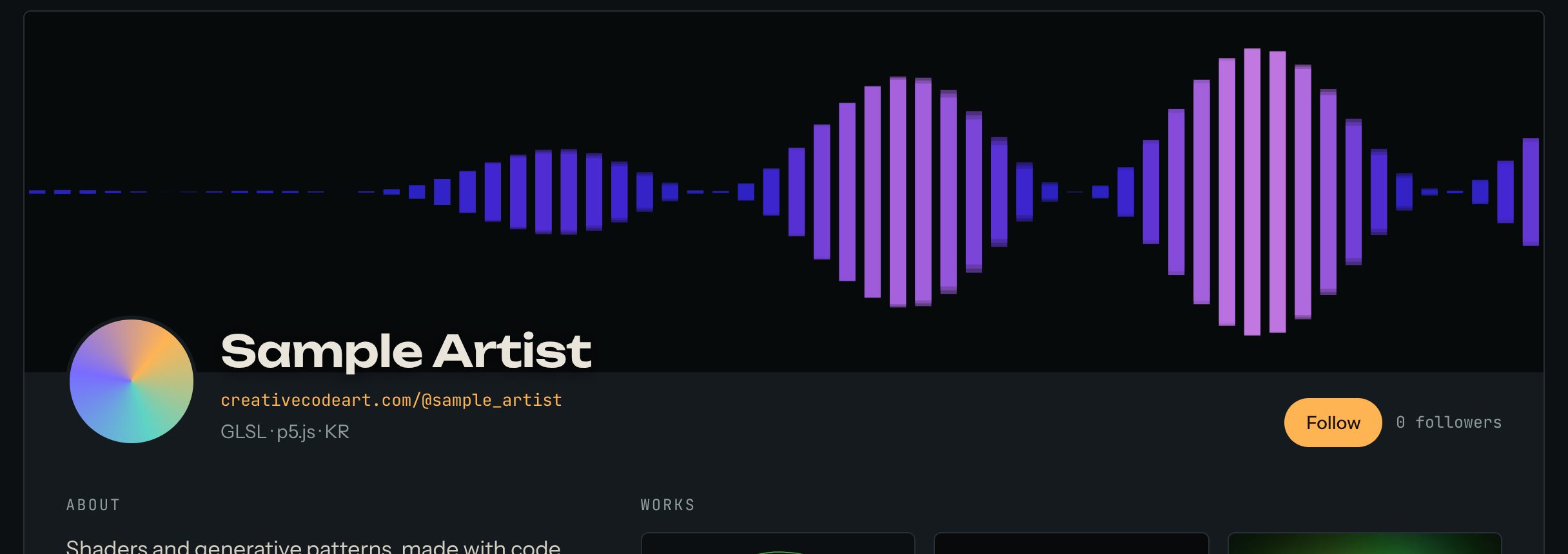
Open Artists and search by name, tool or style, for example GLSL or generative. Each artist has a page with all their works.
3. The world map
The World map lights up every country that has artists on the site. Press a country to see its artists.

4. Follow artists
Press Follow on an artist's page. When they publish a new work, you'll hear about it.
The bell at the top of the page shows your notifications. It tells you, for example, when someone follows you, remixes your work, or when the team picks your work for the homepage, a challenge or an exhibition.
5. More to explore
- Challenges: a theme to make a work for, open to everyone.
- Exhibitions: works chosen by the team around a theme.
- Journal: guides and notes by artists, with live works inside.