Exhibitions and the homepage
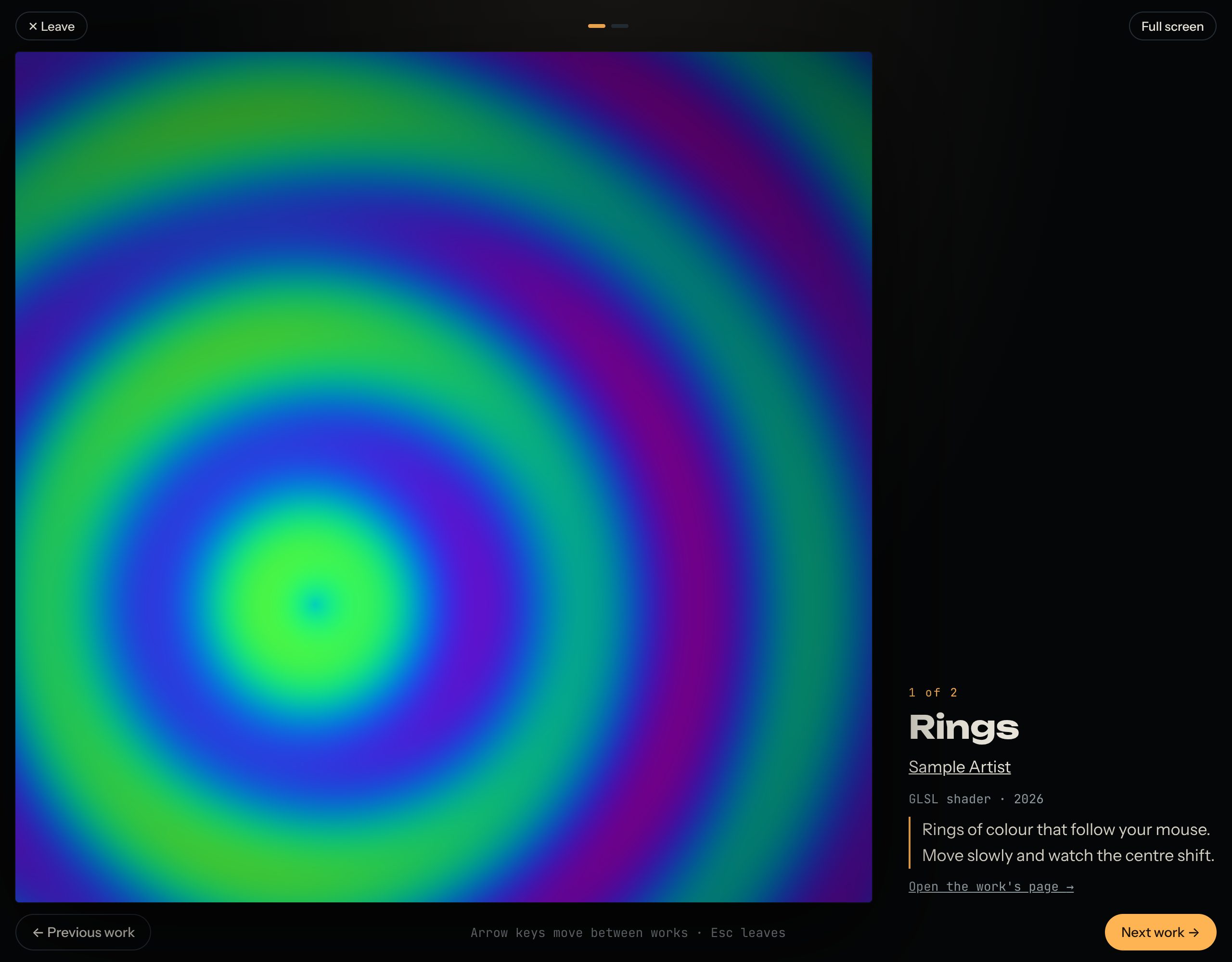
Exhibitions show works chosen by a curator around a theme. You walk through them one work at a time, full screen, each running live, with the curator's notes beside it. The homepage also shows works the team picks. This guide shows how to visit an exhibition and how works get chosen.
Every work in an exhibition runs live, like this one.
1. Visit an exhibition
- Open Exhibitions and choose one.
- Read the curator's words, then press Enter the exhibition.
- Move between works with Next work and Previous work, or the arrow keys.
- Full screen shows the work on the whole screen. Leave, or Esc, takes you back.
2. How works get chosen
The team chooses works for exhibitions and for the homepage. There's no form to apply. The best way to be chosen:
- Publish works you're proud of, with a good title and a few lines in About this work.
- Take part in challenges: the team looks at the entries.
- Make your artist page complete, so the team can find out about you.
When your work is chosen for an exhibition or the homepage, you get a notification.
3. The homepage
The newest work the team features runs live at the top of the homepage, and the next three are beside it.
Questions? Read "How does a work get into an exhibition or featured?" on the Help page.