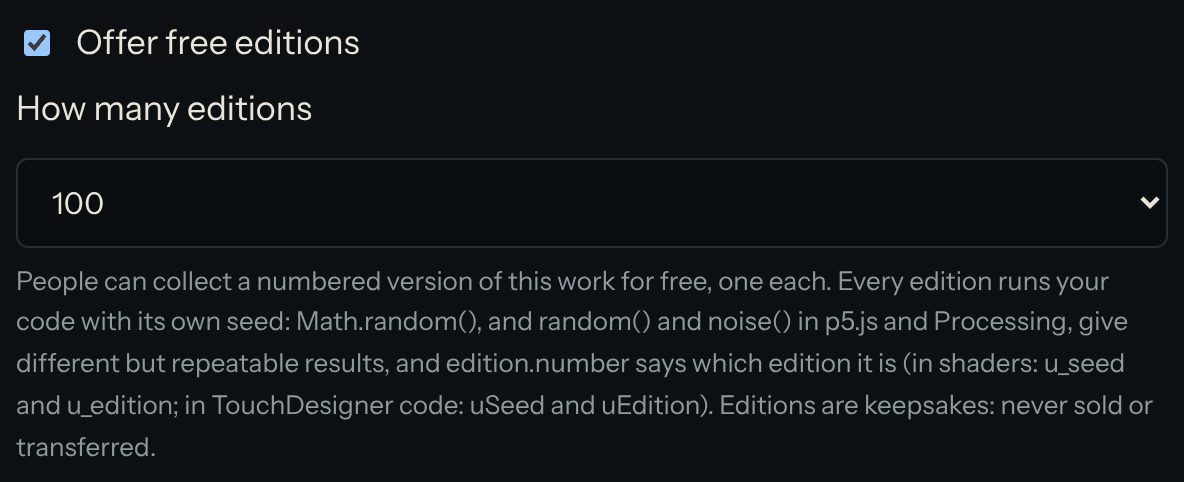
Collect free editions
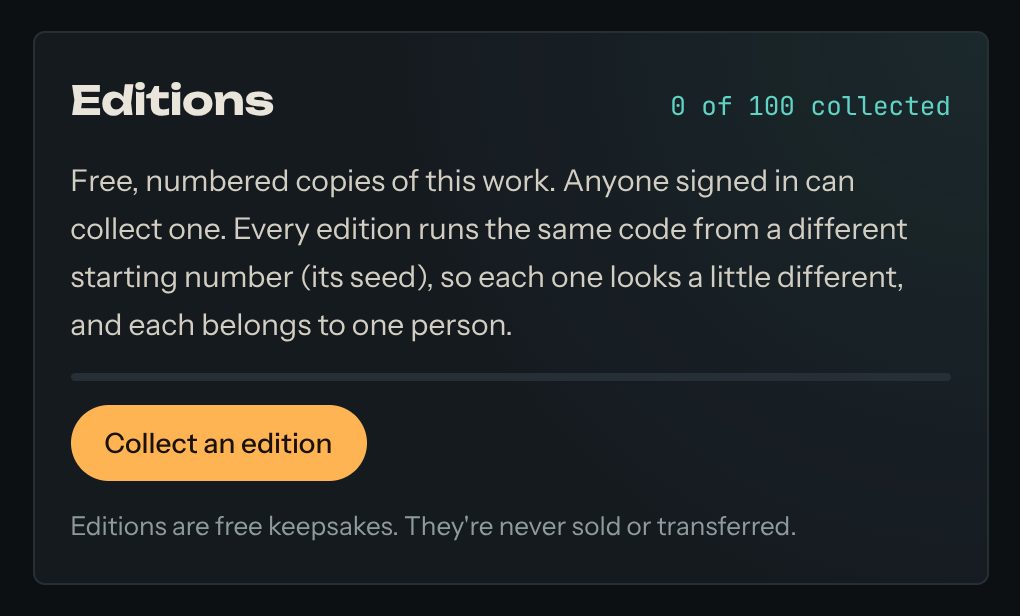
Some works offer free editions: numbered versions that you can collect and keep. Every edition runs the same code, but from its own starting number (its seed), so each one looks a little different from all the others. Nobody else has yours.
This work offers editions. Open it to collect one.
1. Collect an edition
- Sign in.
- Open a work that offers editions. Under it you'll see how many have been collected.
- Press Collect an edition. You get the next number.
You can collect one edition of each work. Editions are free. They're keepsakes: they're never sold, and they can't be passed on to someone else.
2. See your collection
Open My account → My collection. Every edition you've collected is there, running live. Each edition also has its own page, so you can share it.
3. For artists: offer editions of your work
- Open your work in the editor.
- Turn on Offer free editions.
- Press Preview a random edition to see how different the editions look.
In your code, use random() and noise() (in p5.js and Processing) or Math.random() for anything that should change from one edition to the next. In a shader, use u_seed. edition.number tells your code which edition is running.