A good cover and a quick start
Every work has a cover: the still picture shown in lists, in search and when someone shares the link. People decide whether to open a work by its cover, and a work that opens fast keeps them watching. This guide shows how to get a good cover and a quick start.
Chroma Scope is a shader. Shaders start fast because the graphics card does the work.
1. Where the cover comes from
When you save a work, the site lets it run for a few seconds, then takes a picture. That picture is the cover. You don't need to upload anything.
- If the cover caught a bad moment, open the work and save it again. Once it's published, the button is called Save and update.
- Music works can't play until someone presses play, so their cover is their sound flower, drawn from the work's own code.
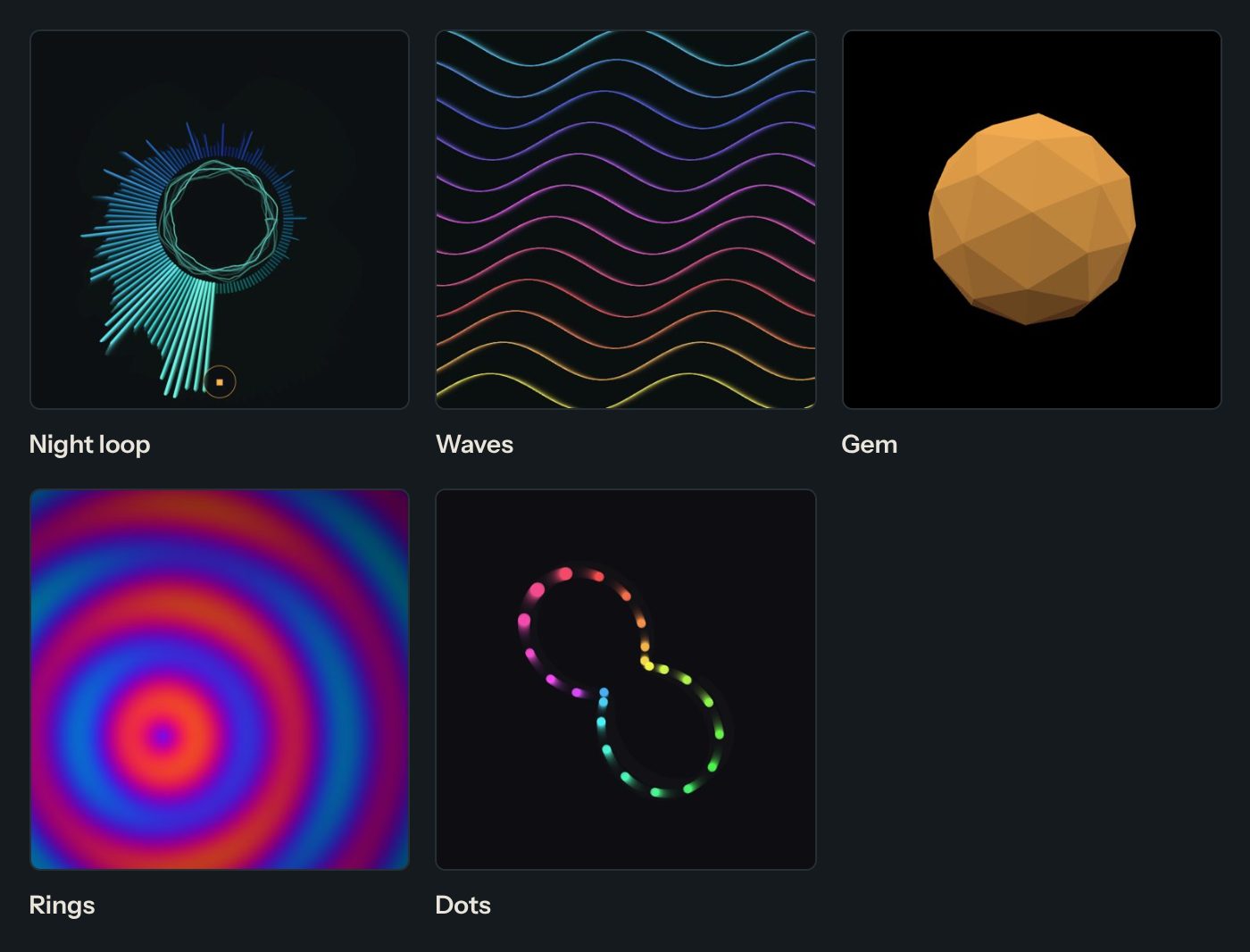
2. Make the first seconds count
- Draw something right away. If your work starts with a blank screen and builds up slowly, the cover may be empty. Draw a full picture in the first frame.
- Avoid a plain black first frame. A dark background is fine, but put something on it.
- Don't wait for the mouse. The cover is taken without anyone touching the work.
3. Make it run smoothly
- Fewer, bigger things. Ten thousand tiny circles cost more than a few hundred.
- On high-resolution screens, p5.js draws four times the pixels. If your sketch is heavy, add
pixelDensity(1);insetup(). - Shaders: keep loops short. A loop of 100 steps runs for every pixel.
- Test on a phone. Phones are slower than computers. If it stutters there, make it lighter.
Good to know
Code can be up to 100 KB. Works can't load files from the internet, so everything is drawn by the code itself.
Questions? Read "Where does the picture of my work come from?" on the Help page.