Make your artist page
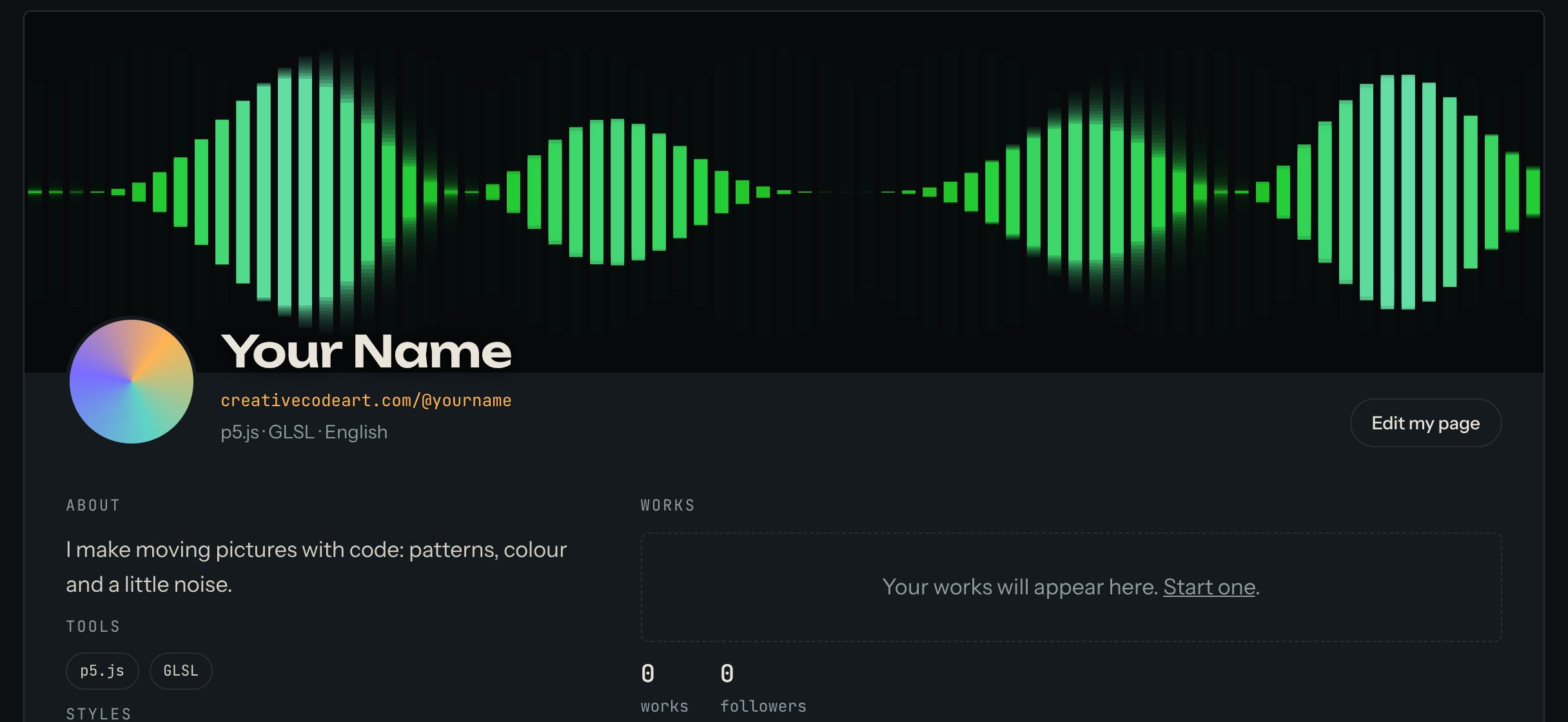
Your artist page is your home on the site: your name, a few words about you, your links, and every work you publish. It has its own address, like creativecodeart.com/@yourname. This guide shows how to make it.
Works you publish show on your page, running live like this one.
1. Start your page
- Sign in and open My account.
- Press Create my artist page.
2. Fill in the form
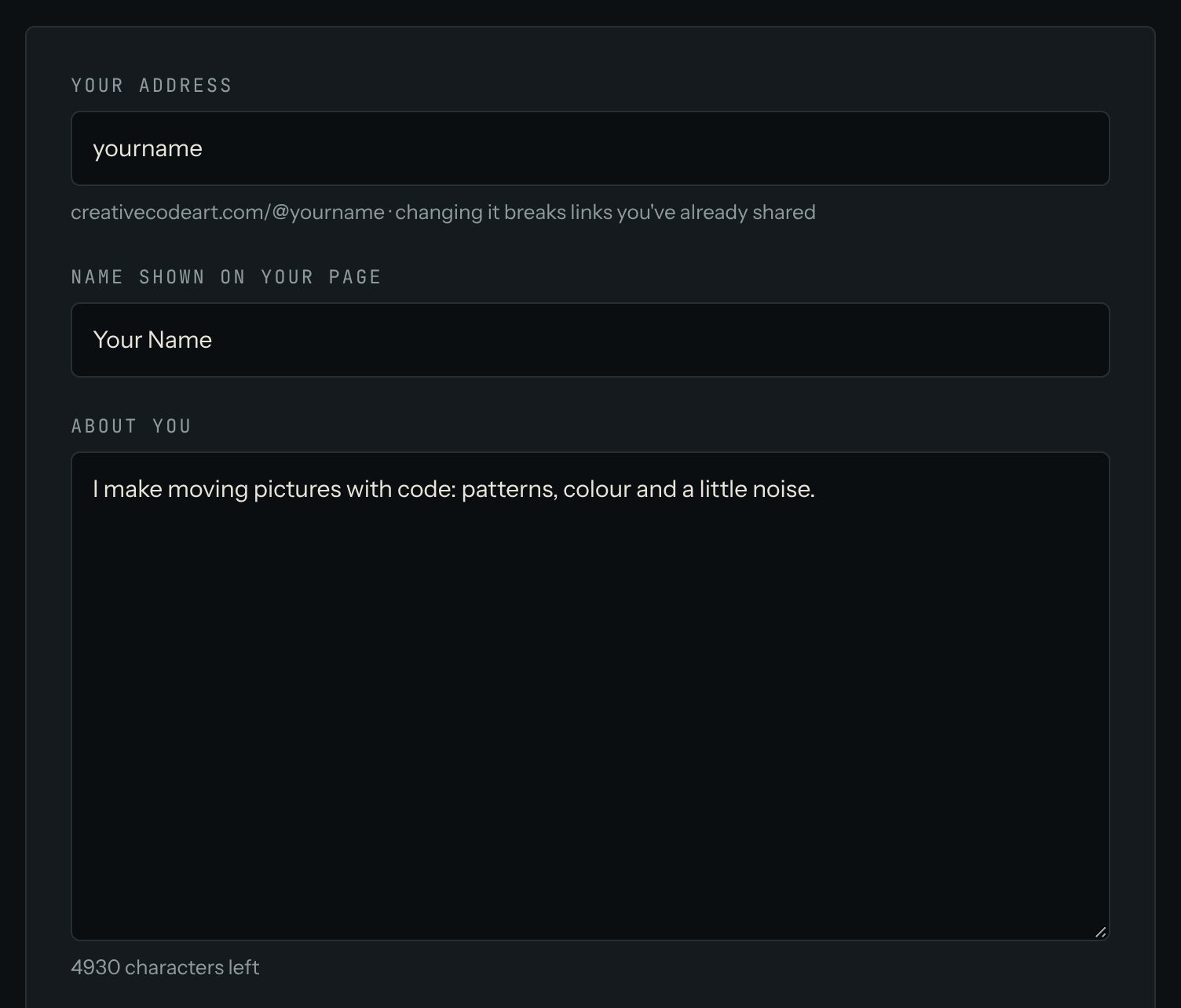
- Your address: the end of your page's link, for example
yourname. Choose it with care: if you change it later, links you've already shared stop working. - Name shown on your page: your name or your artist name.
- About you: a few lines about you and your work.
- City and Country: both are optional.
- Tools, Styles and Languages: separate them with commas. People search for artists by these words, so use the ones they'd type, like
p5.js, GLSLorgenerative, audio reactive. - Links: your own site, your shop, or your exhibitions.
3. Choose who can find you
At the bottom of the form you choose:
- Show me in artist search: people can find you on the Artists page.
- Show my country on the world map: your country lights up on the World map. Only the country is shown, never your city.
- Let Google and other search engines find my page.
Your email is never shown to anyone.
4. Save
Press Create my page. Your page is now on the site. The next step is your first work: press Make my first work.
Change it later
You can change anything at any time in My account → Edit profile. Press Save changes when you're done.